Related Sprunki Games

Sprunki HyperShifted Phase 3
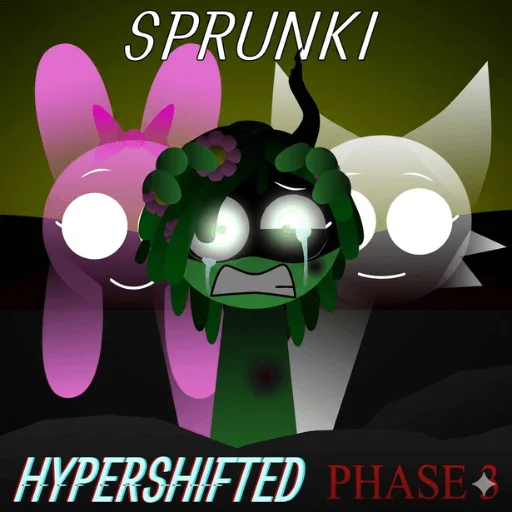
Sprunki HyperShifted Phase 3
Popular Sprunki Mods


Sprunki HyperShifted Phase 3: Glitchy Beat Maker

What is Sprunki HyperShifted Phase 3?
Sprunki HyperShifted Phase 3 is an online music creation game that pushes the boundaries of traditional beat-mixing mods. Building upon the familiar Sprunki and Incredibox foundations, this phase introduces "Hyper" elements—distorted sounds, extreme pitch shifting, and a highly unstable visual environment. Players explore a space where order meets chaos, crafting tracks that range from eerie atmospheric soundscapes to high-energy glitch music directly in their browser.
How to Play Sprunki HyperShifted Phase 3
Playing this game focuses on experimentation rather than following strict rules. You start with a digital stage and a set of character icons representing various audio layers. To begin, simply drag and drop these icons onto the characters in the performance area. Unlike standard versions, these layers interact unpredictably. You might experience bit-compression, random audio stutters, or role-swapping, where a percussion icon suddenly produces melodic vocals. The goal is to layer these fragmented sounds to create a cohesive but chaotic track. During certain high-intensity moments, you can trigger "Panic" events that drastically increase the BPM and invert the screen colors, adding to the sensory experience.
What Makes Sprunki HyperShifted Phase 3 Stand Out
- Hyper-Shifted Audio Mechanics – The game utilizes extreme pitch stretching and fragmentation, creating a unique noisy aesthetic that differs from more melodic entries.
- Unstable Visual Environment – The background features the "Twin Suns" motif, which often displays glitchy red cracks and screen shakes that react to the music intensity.
- Dynamic Role Swapping – Character roles are not fixed; icons can change their output mid-session, forcing players to adapt their mix on the fly.
- Panic Event Triggers – Specific combinations lead to high-BPM chaotic sequences characterized by color inversion and rapid-fire rhythm shifts, providing a intense experience similar to Sprunki Hypershifted Phase 4.
Tips for Better Play
To master the chaos of Sprunki HyperShifted Phase 3, start by adding icons one by one to see how the pitch distortion affects each layer. Pay close attention to the background; when the red cracks intensify, a Panic event may be near. Don't be afraid of the role-swapping mechanic—embrace the randomness to find unique textures. If you enjoy this high-energy style, you might also want to explore Sprunki Space Phase 3 for a different thematic take on the same phase level.
Sprunki HyperShifted Phase 3 FAQ
Is there a specific goal in the game? The primary objective is creative exploration. There are no win conditions; instead, the focus is on discovering new sound combinations and experiencing the glitchy visuals.
What causes the screen to shake and change colors? This is part of the Panic event, usually triggered by high-intensity layering or specific character combinations that push the BPM to its limit.
Can I save my music tracks? While the current version focuses on the live mixing experience, players often record their sessions to share their unique glitch beats with the community.
How does this differ from the original version? This version, much like Sprunki Hypershifted My Take, emphasizes "Hyper" distortion, meaning the sounds are more processed, noisy, and unpredictable than standard entries.
Related Sprunki Games
- Sprunki Phase 3 Aggregation - same phase variant.
Share Your Sprunki Experience
New Sprunki Fan Creations